Defi App Explained: Stunning Guide to the Best Tools
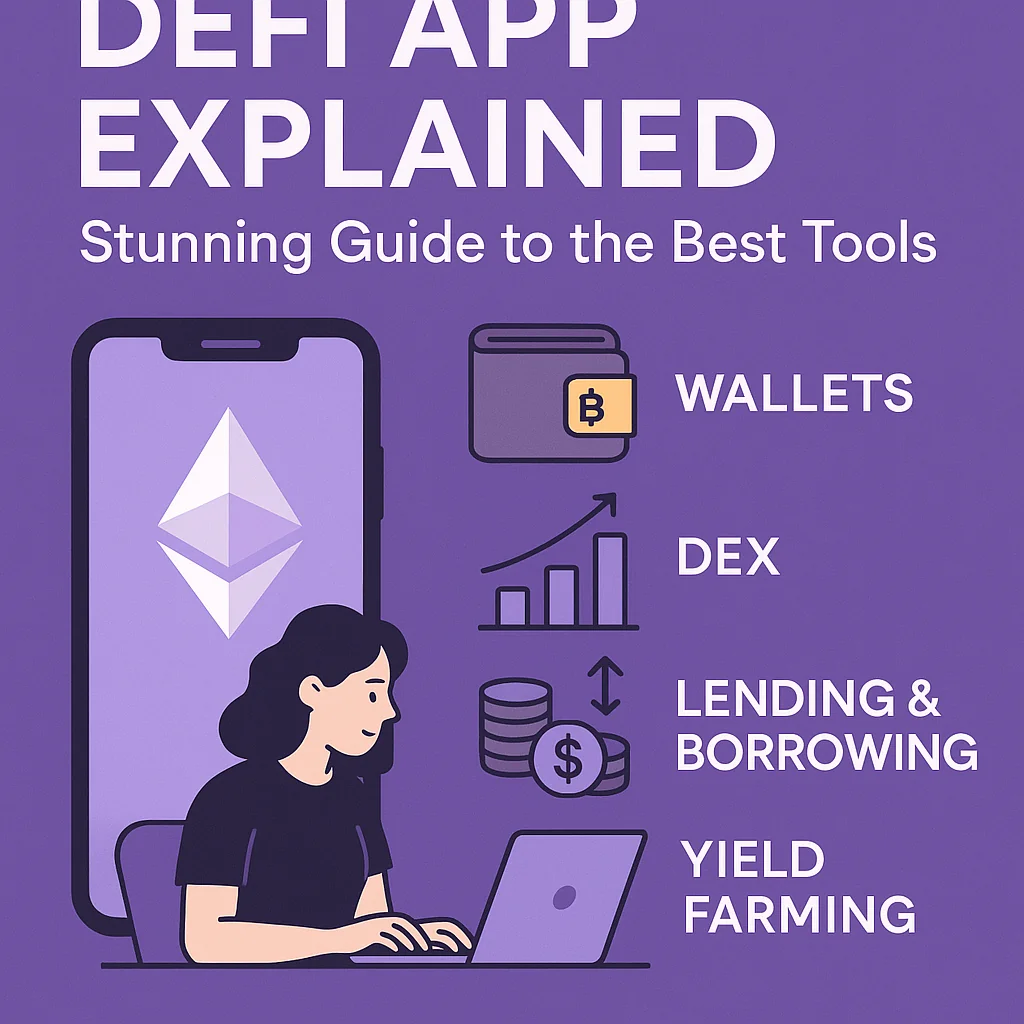
A DeFi app, short for decentralized finance application, is a tool that lets you use financial services directly on a blockchain, without a bank or broker.
The “Home” section in a DeFi app is usually your main dashboard. It shows your balances, key actions, and quick links to tools like swaps, lending, and staking.
If traditional banking is like walking into a bank branch, the DeFi app Home screen is the digital lobby.
From that single view, you see what you own, what you can do with it, and how your money is working for you.
What Does “DeFi App (Home)” Actually Mean?
People often say “DeFi app (Home)” to describe the first screen you see after connecting a wallet to a DeFi platform. It is the main control panel for your activity on that protocol or set of protocols.
Most DeFi apps integrate with wallets like MetaMask, Coinbase Wallet, or Trust Wallet. Once connected, the Home view reads your on-chain data and turns it into clear cards, charts, and buttons you can act on.
Core Idea Behind a DeFi App
A DeFi app runs on smart contracts instead of a central server. Smart contracts are pieces of code on blockchains such as Ethereum, BNB Chain, or Polygon. They define the rules for swaps, loans, interest, and rewards, and they execute those rules automatically.
The app interface you see on the Home screen is only a visual layer. The real “bank” is the smart contract behind it.
Typical Features You See on a DeFi Home Screen
While each project looks different, DeFi app Home screens share a few patterns. They aim to give you a quick snapshot of your money and clear actions you can take next.
- Portfolio summary: Total value of your assets, usually in both crypto and fiat terms.
- Wallet balances: Tokens and coins in your connected wallet and in the app’s smart contracts.
- Action shortcuts: Buttons for swap, deposit, withdraw, lend, borrow, or stake.
- Rewards and yields: Earned interest, farming rewards, or staking payouts.
- Activity feed: Recent deposits, swaps, or loans linked to your address.
- App status: TVL (total value locked), pools, and maybe protocol metrics.
A good Home layout keeps the most important data above the fold and hides advanced tools in deeper menus. That way beginners can see a simple overview while experienced users still find every feature they need.
How a DeFi App Works Behind the Home Screen
The Home screen looks simple, but it is a front end sitting on top of several on-chain and off-chain components. These pieces talk to each other to keep pricing, balances, and transactions accurate.
| Component | Role | Simple Example |
|---|---|---|
| Wallet connection | Links your address to the app and signs transactions. | MetaMask pop-up asks you to connect and confirm a swap. |
| Smart contracts | Hold funds and run logic for swaps, loans, and rewards. | An AMM contract swaps ETH for USDC based on pool ratios. |
| Price oracles | Fetch token prices from external markets. | Chainlink feeds feed ETH/USD prices for loan collateral. |
| Indexing service | Reads events from the blockchain and structures the data. | A subgraph stores your deposit history for fast loading. |
| Front-end interface | Renders the Home view, graphs, and buttons in your browser or app. | Shows your total portfolio chart and yield cards. |
These layers work together so the Home screen can show your updated balance within seconds after each transaction, even though the final state always lives on-chain.
Main Types of DeFi Apps You May See on Home
DeFi is a large category. Many apps focus on one main use case but often bundle extra tools. Their Home screens reflect their core service.
1. Decentralized Exchanges (DEXs)
DEX apps focus on token swaps and liquidity pools. Their Home view usually highlights trading volume, top pairs, and your liquidity positions.
Example: On a DEX Home screen, you might see a “Swap” box at the center, your LP tokens balance, and a list of pools with their current fees and yields.
2. Lending and Borrowing Protocols
These apps let you supply assets to earn interest or borrow against collateral. Their Home screens center on your supplied value, borrowed value, and health factor.
A typical card shows “Supplied: $2,000 USDC, Borrowed: $800 DAI, Health Factor: 1.7.” That single line already hints at your risk level.
3. Yield Aggregators and Vaults
Yield aggregators route your funds into strategies that aim to maximize returns. The Home screen often lists vaults, current APY, and your share of each vault.
A small example: You deposit stablecoins into a vault; the Home screen then shows your deposit, daily yield estimate, and claimed/unclaimed rewards.
4. DeFi Wallet Super-Apps
Some wallets act as DeFi hubs. Their Home section behaves like a multi-protocol dashboard that pulls data from several DeFi platforms at once.
In that case, the Home screen can show a combined portfolio across multiple chains, along with built-in swap, bridge, and staking functions from partner protocols.
Common Actions You Can Start from the Home Screen
From the DeFi Home view, most activity follows a few common paths. The interface links each path to a simple button or banner.
- Connect wallet: The first step; it links your address to the app so it can read balances.
- Review portfolio: Check total value, token allocations, and current positions.
- Select an action: Swap, deposit, lend, borrow, stake, or claim rewards.
- Set transaction details: Choose token amounts, gas fees, and slippage settings.
- Confirm and track: Approve the transaction in your wallet and watch the status update.
Once the transaction is confirmed on-chain, the Home screen refreshes and reflects the new state. For example, after a swap from ETH to USDC, your ETH balance drops and USDC balance goes up right away in the interface.
Benefits of Using a DeFi App Home Dashboard
Many users treat the DeFi Home screen as their main “control center” for on-chain money. It brings several advantages over raw blockchain explorers.
Fast Overview of On-Chain Activity
A DeFi Home screen turns complex addresses and transaction hashes into clear visuals. You see pie charts, bar graphs, and color-coded cards instead of long hex strings.
This saves time and cuts errors. You are less likely to forget a loan or a staking position because it sits in plain view each time you open the app.
Direct Control Without Intermediaries
With a DeFi app, you keep control over your private keys. The app Home screen only reads your data; it never takes custody of your coins by itself. Every action still needs a wallet confirmation from you.
For example, a lending app can show “Borrow up to $300 more” on the Home view, but it can never pull those funds out without your signed approval.
Composability With Other DeFi Tools
Many DeFi apps integrate each other’s features. You might see staking from one protocol, swaps from another, and oracles from a third protocol, all behind one Home view.
This stack effect lets advanced users build complex strategies while still using a single familiar interface as their main entry point.
Risks and Safety Tips for DeFi Apps
The Home screen can feel simple, but every click still interacts with real money and code. Understanding basic risk types helps you use DeFi with more care.
Smart Contract and Protocol Risk
Smart contracts can contain bugs. If attackers find a flaw, they can drain funds from pools, vaults, or lending markets. A clean Home interface does not remove this risk.
Check if the protocol’s contracts are audited, how long it has been live, and how it handled past incidents. Mature projects with clear communication and open code are easier to evaluate.
Market and Liquidity Risk
Prices move fast, and some tokens are thinly traded. A Home screen might show a high APY, but a sharp price drop can wipe out gains or trigger liquidations.
Before clicking “Deposit” from the Home view, check the asset’s price history, volume, and whether your strategy still works if prices move 20–30% against you.
Front-End and Phishing Risk
Attackers can clone DeFi app Home pages and trick users into signing harmful transactions. The interface looks familiar, but the contracts behind it differ.
Always verify the official domain, bookmark it, and compare contract addresses from trusted sources. When in doubt, test with a small amount first.
How to Read a DeFi App Home Screen Like a Pro
A polished Home dashboard can show a lot at once. A simple reading routine helps you stay clear and avoid rushed clicks.
Run through these checks each time you open a DeFi app:
- Confirm the URL and connection status of your wallet.
- Scan your total portfolio and spot any big shift since your last visit.
- Check active loans, health factor, and collateral levels.
- Review pending rewards and decide if claiming now makes sense.
- Read any protocol alerts or notices on the top banner.
This simple habit can prevent surprise liquidations and help you catch strange balance changes early, before they turn into serious losses.
Final Thoughts
A DeFi app “Home” screen is more than a landing page. It is a dashboard that pulls your on-chain activity into one clear view and gives you direct access to swaps, lending, staking, and more.
Treated with care, it can act as your personal finance center for crypto. Take time to learn each widget, read the data it shows, and understand the contracts behind the buttons. That mix of clarity and caution turns a simple Home screen into a powerful tool for using DeFi safely and with intent.